The Future of AI Coding in 2026: Will Developers Still Matter?
Advertisement
Reserved ad space · Google AdSense
The Future of AI Coding in 2026: Will Developers Still Matter?
Artificial Intelligence has become one of the biggest innovations in the software industry. Just a few years ago, writing code meant spending hours searching documentation, fixing syntax errors, and debugging problems line by line. Today, AI-powered coding assistants can generate complete applications, explain complex code, detect bugs, write documentation, and even optimize existing projects within seconds.
This rapid evolution has raised an important question among students, developers, and companies:
Will AI replace software developers?
The answer is more interesting than a simple yes or no.
AI is changing how developers work, but it isn't replacing the need for skilled engineers. Instead, it's creating a new generation of developers who combine programming knowledge with AI tools to build better software faster than ever before.
In this article, we'll explore how AI is changing software development, what skills developers need in 2026, the best AI coding tools, common mistakes beginners make, and how you can prepare for the future of programming.
Table of Contents
- Why AI Coding is Growing So Fast
- How AI Helps Developers
- Can AI Replace Programmers?
- Skills Every Developer Needs in 2026
- Best AI Coding Tools
- Benefits of AI in Software Development
- Limitations of AI
- Common Mistakes Beginners Make
- Future Job Opportunities
- Learning Roadmap
- Final Thoughts
- FAQs
Why AI Coding is Growing So Fast
Large Language Models (LLMs) have dramatically improved over the last few years. Instead of simply answering questions, they now understand programming languages, project structures, APIs, frameworks, and documentation.
Developers can now ask AI to:
- Create REST APIs
- Build React components
- Write SQL queries
- Explain existing code
- Generate documentation
- Create unit tests
- Refactor messy code
- Find bugs
- Optimize performance
Instead of spending hours on repetitive work, developers can focus on solving business problems.
This shift has significantly increased productivity across startups and enterprise companies alike.
How AI Helps Developers
AI has become a daily assistant for millions of developers.
Here are some practical examples.
1. Code Generation
Instead of writing repetitive boilerplate code, AI generates it instantly.
Example:
- Authentication
- Login forms
- CRUD APIs
- Database models
- Validation logic
This saves countless hours.
2. Debugging
Finding bugs manually can be frustrating.
Modern AI tools explain:
- Why an error occurs
- Which file causes it
- Possible fixes
- Better approaches
This makes debugging much faster.
3. Documentation
Documentation is often ignored because it takes time.
AI can generate:
- README files
- API documentation
- Function comments
- Project setup guides
Well-documented projects are easier to maintain.
4. Learning New Technologies
Developers no longer need to spend hours searching different websites.
AI explains:
- Framework concepts
- New APIs
- Design patterns
- Best practices
Learning has become significantly faster.
Can AI Replace Programmers?
The short answer is No.
AI writes code.
Developers solve problems.
There is a huge difference.
Imagine a client says:
"I need an app that helps restaurants manage online orders."
AI doesn't understand:
- Customer requirements
- Budget limitations
- Future scaling
- Business goals
- User experience
- Legal requirements
A software engineer converts business ideas into technical solutions.
That's something AI still depends on humans for.
Software Development is More Than Coding
Many beginners think software development simply means writing code.
Actually, coding is only one part.
Professional developers spend their time:
- Planning architecture
- Database design
- API design
- Client meetings
- Code reviews
- Security analysis
- Performance optimization
- Testing
- Deployment
- Monitoring
AI assists these activities but doesn't replace the decision-making behind them.
Skills Every Developer Needs in 2026
As AI automates repetitive coding tasks, certain skills become even more valuable.
Problem Solving
Companies hire developers to solve business problems.
Learning algorithms and logical thinking is more important than memorizing syntax.
System Design
Large applications require careful planning.
Topics include:
- Microservices
- Caching
- Load balancing
- Authentication
- Scalability
- Database optimization
AI can suggest ideas, but developers make architectural decisions.
Security
Cybersecurity has become essential.
Developers should understand:
- SQL Injection
- XSS
- CSRF
- Authentication
- Authorization
- JWT
- OAuth
Never deploy AI-generated code without reviewing its security.
Communication Skills
Software is built by teams.
Developers regularly communicate with:
- Designers
- Product managers
- Clients
- QA engineers
Good communication increases career growth.
AI Prompt Engineering
Knowing how to communicate with AI has become a valuable technical skill.
Instead of asking:
Build a website.
Ask:
Build a responsive Next.js 15 landing page using Tailwind CSS with dark mode, Framer Motion animations, SEO optimization, TypeScript, reusable components, and modern UI.
Better prompts generate better results.
Best AI Coding Tools in 2026
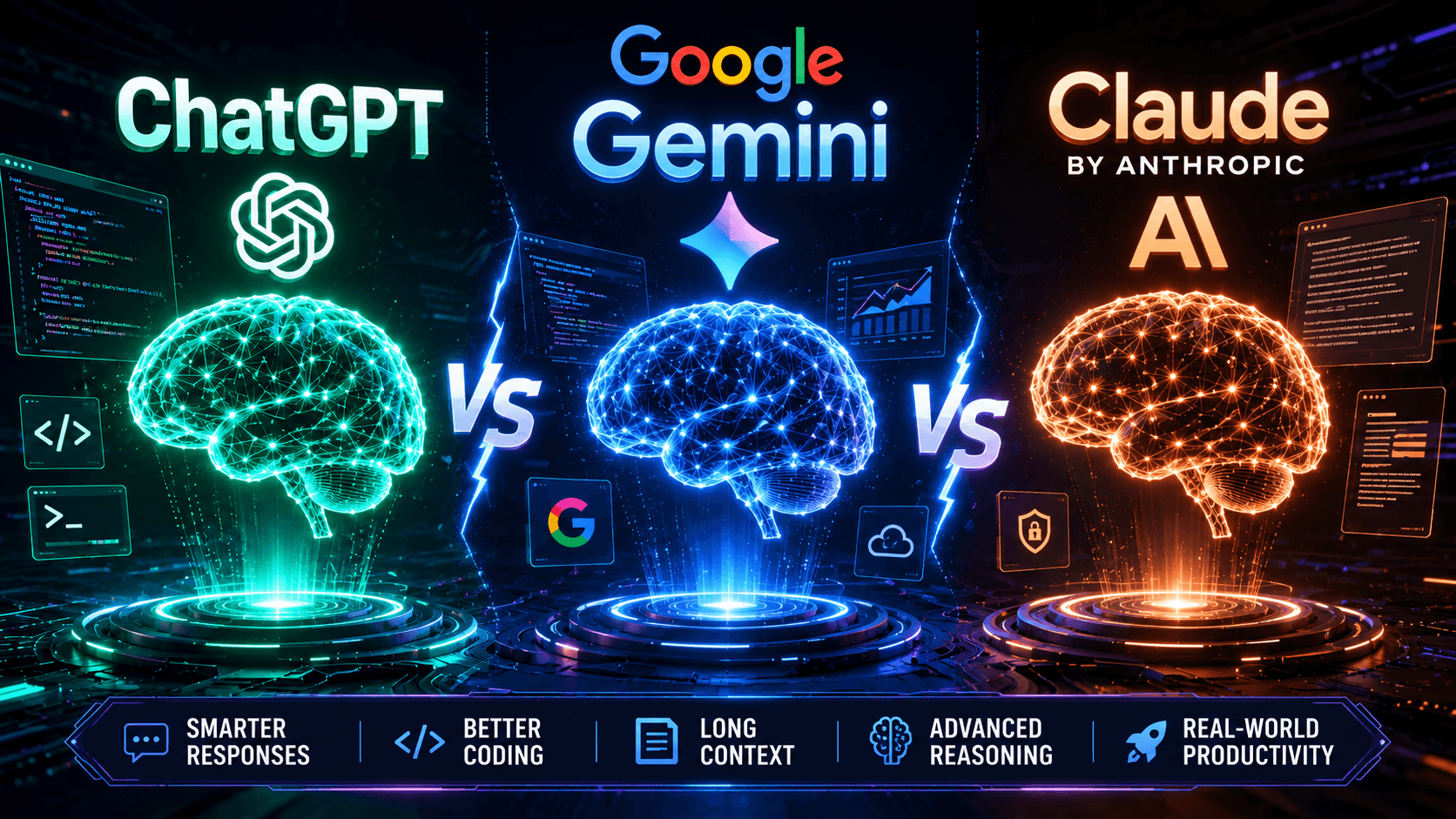
ChatGPT
Best for:
- Learning
- Debugging
- Code explanation
- Architecture discussions
- Documentation
GitHub Copilot
Excellent for:
- Code autocomplete
- Writing repetitive code
- Productivity
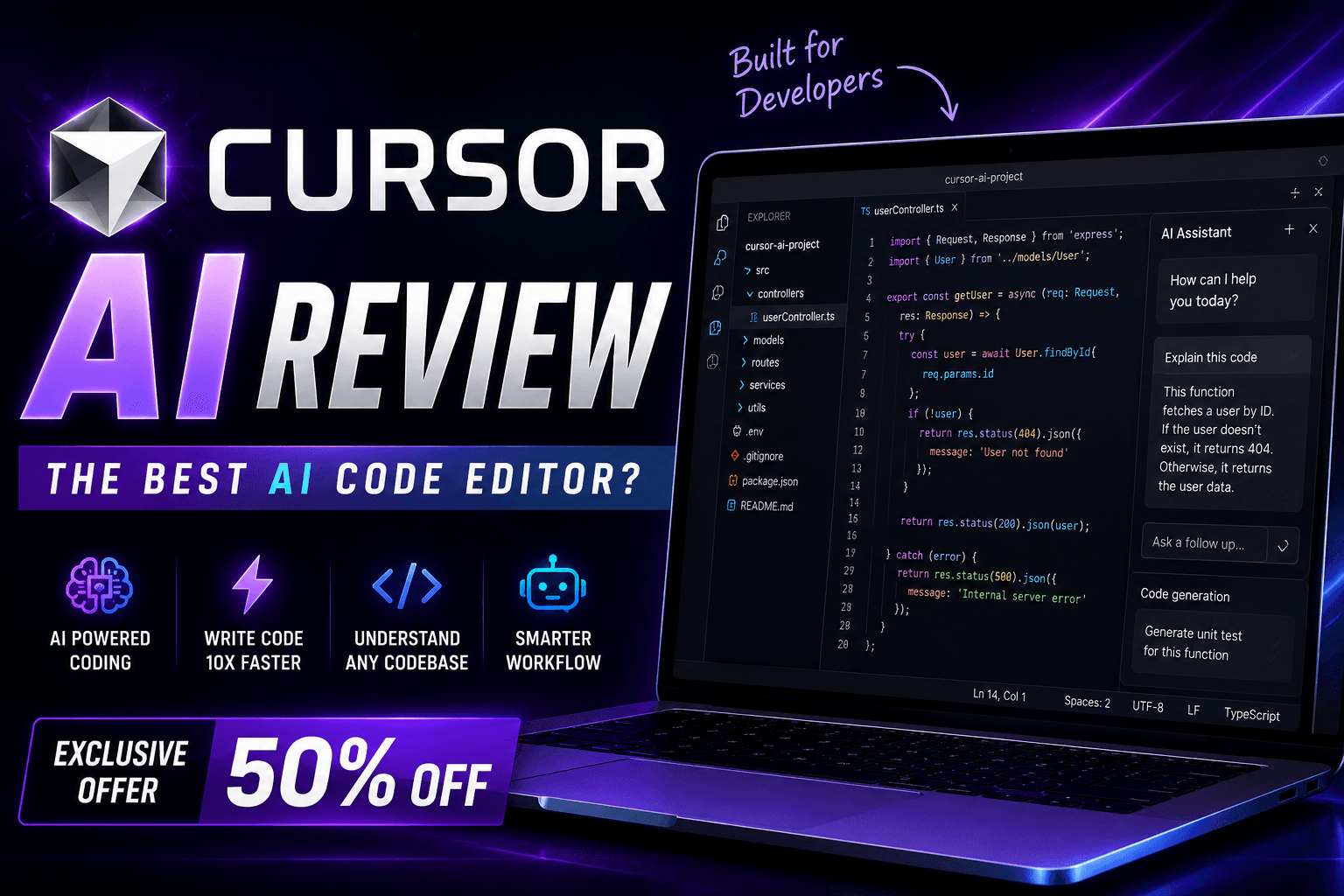
Cursor AI
Cursor AI has become one of the most popular AI-powered code editors.
Features include:
- Project-wide understanding
- AI Chat
- Smart edits
- Code generation
- Bug fixing
Many developers now use Cursor as their primary IDE.
Gemini
Google's AI is improving rapidly.
Useful for:
- Android development
- Cloud development
- Documentation
Claude
Claude is excellent for:
- Long code analysis
- Architecture planning
- Large project explanations
Benefits of Using AI for Programming
Developers report significant productivity gains when AI is integrated thoughtfully into their workflow.
Major benefits include:
- Faster coding
- Better debugging
- Less repetitive work
- Faster learning
- Better documentation
- Reduced development time
- Improved productivity
- Easier refactoring
- Better testing
For startups, AI allows small teams to build products much faster than before.
Limitations of AI
AI isn't perfect.
Some limitations include:
Hallucinations
AI sometimes generates incorrect information confidently.
Always verify the output.
Security Risks
Generated code may contain vulnerabilities.
Never trust AI blindly.
Outdated Knowledge
Some tools may not reflect the latest framework updates.
Always read official documentation.
Poor Business Understanding
AI doesn't fully understand:
- Client expectations
- Company goals
- Industry regulations
Human judgment remains essential.
Common Mistakes Beginners Make
Copy-Pasting Without Understanding
Many students copy AI-generated code directly.
This becomes a problem during interviews.
Learn the logic before using the code.
Ignoring Fundamentals
Don't skip:
- HTML
- CSS
- JavaScript
- Data Structures
- APIs
- Databases
AI becomes powerful only when you understand programming basics.
Depending Completely on AI
Treat AI as an assistant—not as your brain.
The best developers use AI wisely rather than relying on it for every decision.
Future Job Opportunities
Despite fears of automation, demand for skilled software engineers remains strong.
New roles are emerging, including:
- AI Software Engineer
- Prompt Engineer
- AI Automation Developer
- Machine Learning Engineer
- Full Stack AI Developer
- AI Product Engineer
- AI Solutions Architect
- DevOps Engineer
- AI Integration Specialist
Professionals who combine programming skills with AI knowledge will have a competitive advantage.
Learning Roadmap for Beginners
If you're starting your programming journey today, follow this roadmap.
Step 1
Learn:
- HTML
- CSS
- JavaScript
Step 2
Understand:
- Git
- GitHub
- APIs
Step 3
Master:
- React
- Next.js
Step 4
Learn backend development:
- Node.js
- Express
- Databases
- Authentication
Step 5
Use AI tools to increase productivity.
Step 6
Build real projects.
Projects teach more than tutorials.
Why Companies Still Hire Developers
Businesses don't pay developers for typing code.
They pay them to:
- Solve customer problems
- Build scalable systems
- Improve performance
- Reduce costs
- Create innovative products
AI simply makes developers more productive.
Final Thoughts
Artificial Intelligence is changing software development forever.
Developers who ignore AI may find themselves working more slowly than their peers. On the other hand, developers who rely entirely on AI without understanding programming fundamentals will struggle to solve real-world problems.
The future belongs to developers who combine strong technical knowledge with AI-powered productivity.
Instead of asking:
Will AI replace developers?
A better question is:
How can developers use AI to build better software?
If you continuously learn, build projects, understand software architecture, and embrace AI as a tool rather than a replacement, you'll be well prepared for the future of technology.
The software industry will continue evolving—but skilled developers who adapt will always remain valuable.
Frequently Asked Questions
Is AI replacing software developers?
No. AI automates repetitive coding tasks but still requires human developers for architecture, security, business logic, and decision-making.
Which AI tool is best for coding?
Popular choices include ChatGPT, Cursor AI, GitHub Copilot, Claude, and Gemini. The best tool depends on your workflow and project needs.
Should beginners use AI while learning programming?
Yes, but only after understanding the basics. AI should help you learn—not replace learning.
Which programming language should I learn in 2026?
JavaScript remains one of the best choices because it powers frontend, backend, mobile, and full-stack development.
Will AI create new jobs?
Yes. Roles related to AI engineering, automation, AI integration, and prompt design are growing rapidly.
Advertisement
Reserved ad space · Google AdSense

Comments (0)