Cursor AI Review (2026): Features, Pricing, Pros, Cons & Is It the Best AI Code Editor?
Advertisement
Reserved ad space · Google AdSense
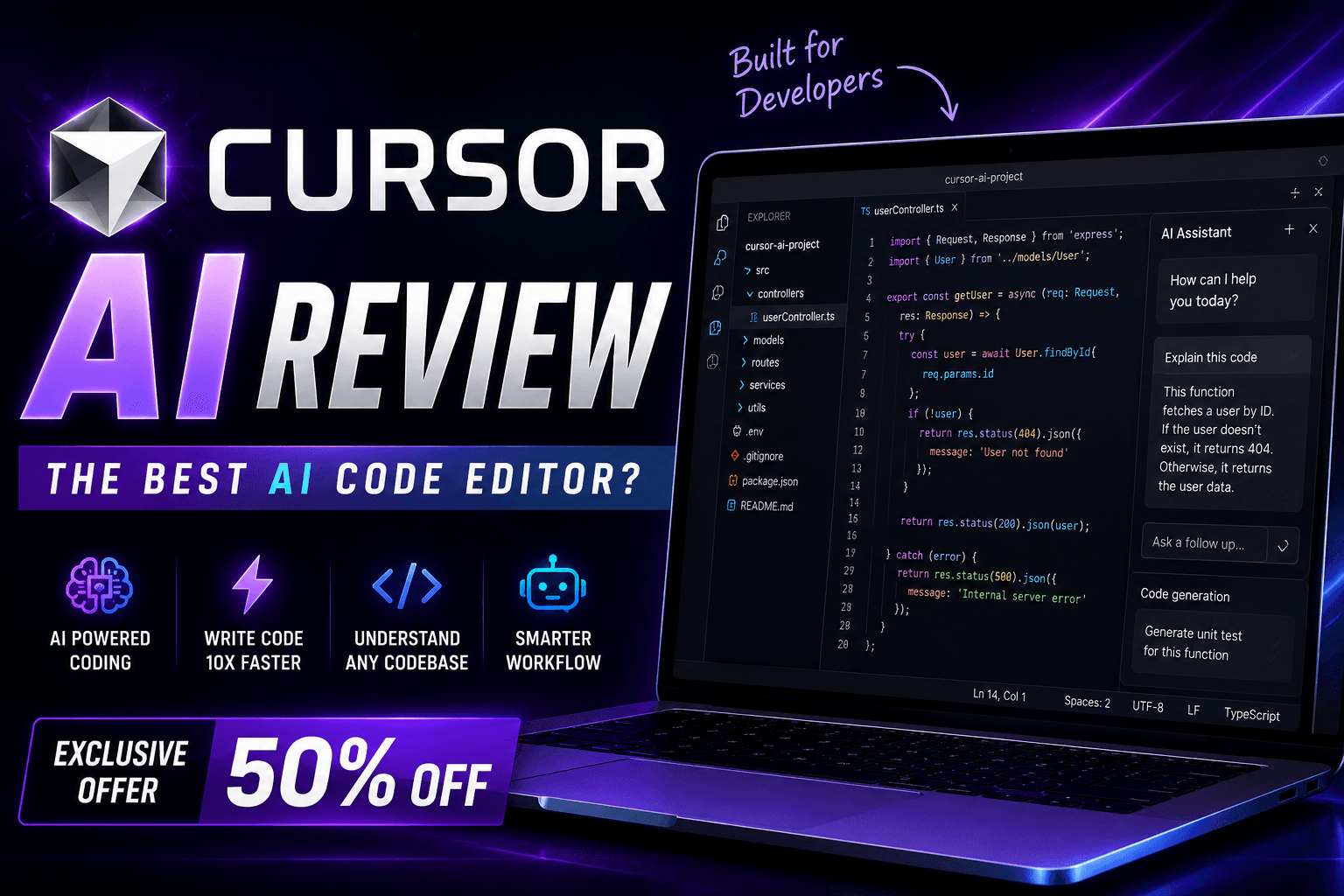
Cursor AI Review (2026): Is It the Best AI Code Editor for Developers?
Artificial Intelligence has transformed software development by making coding faster, smarter, and more efficient. Modern AI-powered editors are no longer limited to simple autocomplete—they can understand entire projects, explain complex code, generate new features, refactor existing applications, and help developers solve problems using natural language.
One of the fastest-growing AI-powered development tools is Cursor AI.
Built specifically for software developers, Cursor combines the familiarity of a modern code editor with advanced AI capabilities, allowing developers to build applications more efficiently while maintaining full control over their code.
In this complete review, you'll learn everything about Cursor AI, including its features, pricing, supported programming languages, advantages, limitations, and how it compares with other popular AI coding tools in 2026.
What is Cursor AI?
Cursor AI is an AI-powered code editor designed to help developers write, understand, debug, and improve code more efficiently.
Unlike traditional code editors that only provide syntax highlighting and extensions, Cursor integrates AI directly into the development workflow. Developers can ask questions, generate code, edit multiple files, explain existing code, and refactor projects without leaving the editor.
Cursor is especially popular among developers working with modern web technologies, APIs, and full-stack applications.
How Cursor AI Works
Using Cursor AI is straightforward.
- Install Cursor AI.
- Open an existing project or create a new one.
- Let Cursor analyze your project.
- Describe what you want using natural language.
- Review AI-generated changes.
- Accept, modify, or reject suggestions.
- Test your application before deployment.
The quality of the generated output generally improves when prompts include clear requirements and project context.
Key Features
Cursor AI includes a powerful set of AI-assisted development features.
Some of its most popular capabilities include:
- AI code generation
- AI chat assistant
- Code explanation
- Multi-file editing
- Project-wide understanding
- Intelligent autocomplete
- Bug fixing assistance
- Code refactoring
- Documentation generation
- Unit test generation
- Error analysis
- API development assistance
- Database query generation
- Git workflow support
- Natural language programming
AI Chat Assistant
Cursor includes an integrated AI assistant that understands your project and helps with software development tasks.
Developers can ask questions such as:
- Explain this function
- Find the bug
- Optimize this code
- Create a new component
- Generate an API
- Add authentication
- Improve performance
- Refactor this module
- Write documentation
- Generate unit tests
This conversational workflow reduces the need to switch between multiple tools during development.
Project-Wide Understanding
One of Cursor AI's biggest advantages is its ability to understand the broader structure of your project.
Instead of looking at only one file, Cursor can analyze relationships between files and provide suggestions based on the overall project context.
This is especially helpful for:
- Large React projects
- Next.js applications
- Node.js APIs
- Enterprise software
- SaaS platforms
- Full-stack applications
Project awareness helps developers make coordinated changes more efficiently.
Intelligent Code Generation
Cursor AI can generate code for many common development tasks.
Examples include:
- React components
- Next.js pages
- REST APIs
- Express routes
- Authentication systems
- CRUD operations
- Database models
- Forms
- Dashboard layouts
- Utility functions
- API integrations
- Configuration files
Generated code should always be reviewed, tested, and adapted to your project's coding standards.
Code Explanation
Understanding unfamiliar code is often time-consuming.
Cursor AI can explain:
- Functions
- Classes
- Components
- Algorithms
- API calls
- Database queries
- Error messages
- Framework concepts
These explanations can help both beginners and experienced developers work more efficiently.
Debugging Assistance
Cursor AI can assist with identifying and resolving common programming issues.
It can help:
- Analyze error messages
- Suggest possible fixes
- Identify logical mistakes
- Improve readability
- Refactor repetitive code
- Recommend cleaner implementations
While AI can accelerate debugging, developers should verify suggested fixes through testing.
Supported Programming Languages
Cursor AI supports many widely used programming languages.
Examples include:
- JavaScript
- TypeScript
- Python
- Java
- C#
- C++
- Go
- Rust
- PHP
- Ruby
- Swift
- Kotlin
- HTML
- CSS
- SQL
- Bash
Support quality may vary depending on the language and project context.
Framework Support
Cursor AI works well with many modern frameworks and libraries.
Examples include:
- React
- Next.js
- Vue
- Angular
- Node.js
- Express
- NestJS
- Tailwind CSS
- React Native
- Electron
Framework support continues to evolve with new updates.
Productivity Benefits
Cursor AI can significantly reduce repetitive development work.
Common productivity advantages include:
- Faster coding
- Reduced boilerplate
- Better code understanding
- Easier debugging
- Faster feature development
- Improved documentation
- Rapid prototyping
- Cleaner workflows
Many developers use Cursor to speed up everyday development while keeping full control over the final implementation.
Who Should Use Cursor AI?
Cursor AI is suitable for:
- Frontend developers
- Backend developers
- Full-stack developers
- React developers
- Next.js developers
- Mobile app developers
- Startup founders
- Freelancers
- Agencies
- Enterprise teams
- Students learning programming
It is particularly useful for developers who spend many hours coding each day.
Advantages
Some of Cursor AI's biggest strengths include:
- Excellent AI integration
- Project-aware code understanding
- Powerful AI chat
- Fast code generation
- Multi-file editing support
- Clean user interface
- Broad programming language support
- Strong productivity improvements
- Beginner-friendly experience
Limitations
Like any AI development tool, Cursor AI has limitations.
Examples include:
- AI-generated code may require manual review and refinement.
- Complex business logic still depends on developer expertise.
- Generated solutions should always be tested before deployment.
- Large projects may require additional context for optimal suggestions.
- AI responses may occasionally contain inaccuracies.
Cursor should be viewed as a development assistant rather than a replacement for software engineering knowledge.
Pricing
Cursor AI offers multiple subscription plans, including free and paid options. Features, AI usage limits, and pricing may change over time, so always check the official Cursor website for the latest subscription information.
Cursor AI vs VS Code
Cursor AI is built on the familiar Visual Studio Code experience while adding integrated AI capabilities.
VS Code relies heavily on extensions for AI functionality, whereas Cursor places AI at the center of the development workflow with built-in chat, project understanding, and code editing features.
Developers who already enjoy the VS Code interface often find the transition to Cursor straightforward.
Cursor AI vs GitHub Copilot
GitHub Copilot focuses primarily on AI-assisted code completion and chat inside supported editors.
Cursor AI provides a dedicated AI-first development environment with project-wide understanding, conversational editing, and deeper integration into the coding workflow.
Many developers evaluate both tools to determine which better matches their preferred way of working.
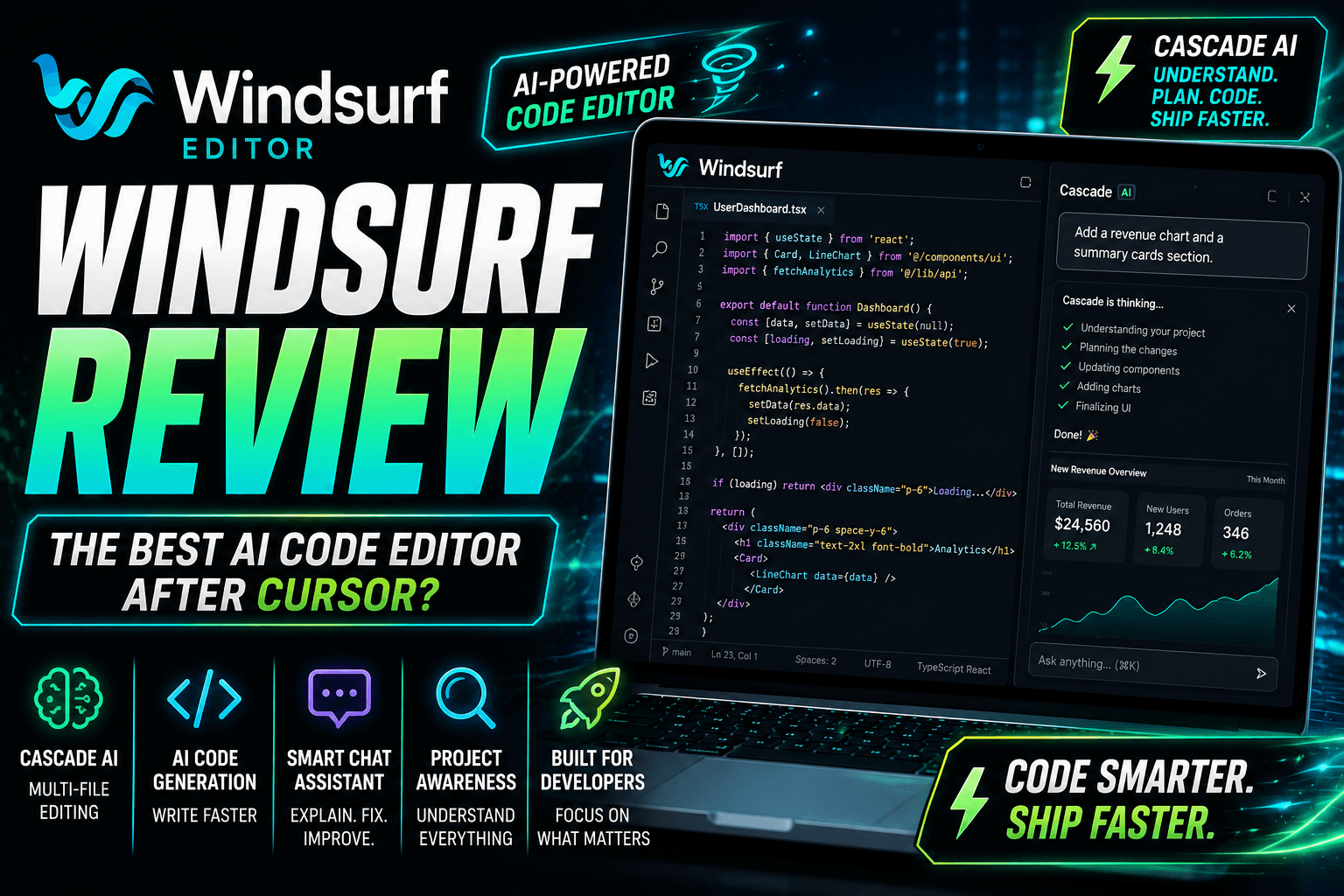
Cursor AI vs Windsurf
Cursor AI and Windsurf are both modern AI-powered code editors designed to improve developer productivity.
Cursor emphasizes conversational development, project understanding, and seamless editing, while Windsurf offers features such as Cascade AI and project-aware workflows.
The better choice depends on your coding style, project complexity, and personal preferences.
Frequently Asked Questions
Is Cursor AI free?
Cursor AI offers both free and paid plans with different usage limits and AI capabilities. Check the official Cursor website for current pricing and plan details.
Can Cursor AI build complete applications?
Cursor AI can generate substantial portions of applications and assist throughout development, but production-ready software still requires developer review, testing, security validation, and ongoing maintenance.
Does Cursor AI work with React and Next.js?
Yes. Cursor AI is widely used for React, Next.js, Node.js, and many other modern web development frameworks.
Is Cursor AI good for beginners?
Yes. Cursor AI can help beginners understand code, learn programming concepts, debug errors, and explore new frameworks while accelerating their learning process.
Can Cursor AI replace programmers?
No. Cursor AI is a productivity tool that assists developers with coding tasks, but successful software development still depends on human judgment, architecture decisions, testing, security reviews, and maintenance.
Tips for Better Results
To maximize Cursor AI's effectiveness:
- Write detailed prompts.
- Organize your project structure.
- Provide enough context.
- Review every AI-generated change.
- Test generated code thoroughly.
- Follow your team's coding standards.
- Use AI to accelerate development while maintaining human oversight.
Clear requirements and structured projects generally produce higher-quality AI-generated code.
Final Verdict
Cursor AI has established itself as one of the leading AI-powered code editors for modern software development. Its combination of intelligent code generation, project-wide understanding, conversational AI, debugging assistance, and multi-language support makes it a valuable tool for developers of all experience levels.
Whether you're building React applications, Next.js websites, APIs, SaaS platforms, or enterprise software, Cursor AI can significantly reduce repetitive work and improve productivity. While it does not replace software engineering expertise, it serves as an effective AI development assistant that helps developers focus on solving problems instead of writing repetitive boilerplate code.
Disclaimer
This article is published for educational and informational purposes only. Cursor AI and all related trademarks belong to their respective owners. Features, pricing, supported languages, integrations, and availability may change over time. Always refer to the official Cursor documentation and website for the latest information.
Advertisement
Reserved ad space · Google AdSense
Comments (0)