How to Type Gujarati in Adobe Premiere Pro (2026 Guide) – Free Gujarati Indic Input 3 Download
Advertisement
Reserved ad space · Google AdSense
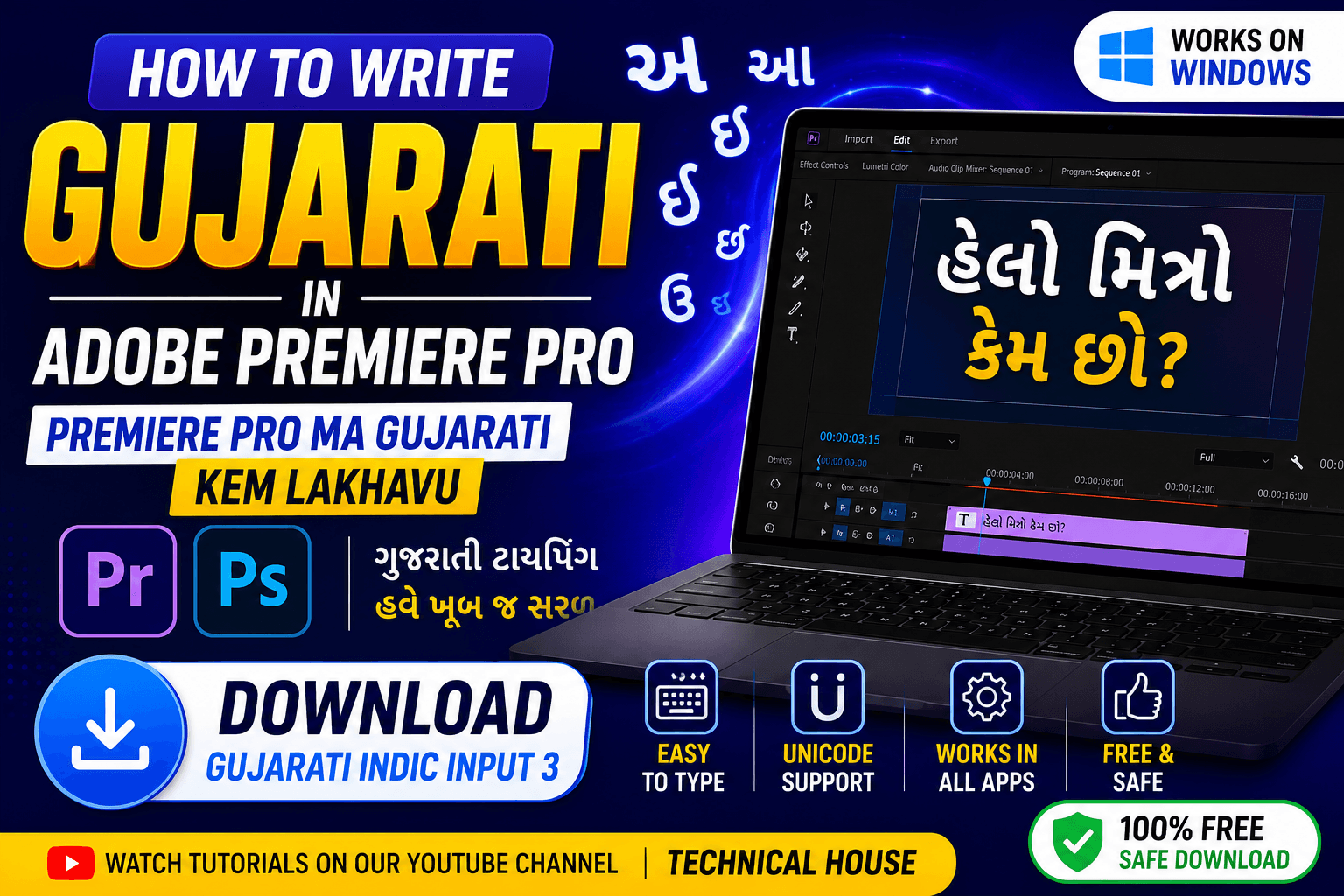
How to Type Gujarati in Adobe Premiere Pro (2026 Complete Guide)
Typing Gujarati in Adobe Premiere Pro can be confusing if you're new to video editing. Many users experience issues like broken Gujarati characters, unsupported fonts, or text displaying incorrectly.
The good news is that these problems can be solved by using Unicode-supported typing tools and compatible Gujarati fonts.
In this guide, you'll learn everything you need to start typing Gujarati professionally in Adobe Premiere Pro.
Why Gujarati Doesn't Work Properly in Premiere Pro
Adobe Premiere Pro supports Unicode text, but many older Gujarati fonts use legacy encoding.
Common problems include:
- Broken Gujarati characters
- Missing letters
- Incorrect vowel placement
- Unsupported fonts
- Keyboard layout confusion
Fortunately, Unicode typing solves all these issues.
Download Gujarati Typing Software
The easiest way to type Gujarati is by using Gujarati Indic Input 3.
This free keyboard lets you type Gujarati using your English keyboard.
Install Gujarati Indic Input 3
After downloading:
- Install the software.
- Restart your computer if required.
- Add Gujarati keyboard from Windows Language Settings.
- Switch language using Win + Space.
Need detailed installation instructions?
How to Type Gujarati in Premiere Pro
Once Gujarati keyboard is active:
- Open Adobe Premiere Pro.
- Select the Text Tool.
- Create a new text layer.
- Switch to Gujarati keyboard.
- Start typing.
If the font supports Unicode, Gujarati text will display correctly.
Best Unicode Gujarati Fonts
Using Unicode fonts is highly recommended.
Popular choices include:
- Noto Sans Gujarati
- Shruti
- Nirmala UI
- Mukta Vaani
Download our recommended font collection.
Common Problems & Fixes
Gujarati Letters Are Broken
Use Unicode fonts instead of legacy Gujarati fonts.
Text Appears as Boxes
Install a Unicode Gujarati font.
Keyboard Not Switching
Press Win + Space or configure Gujarati keyboard again.
Incorrect Characters
Make sure Gujarati Indic Input 3 is selected instead of English.
Watch Complete Video Tutorial
Prefer learning visually?
Watch our complete step-by-step tutorial.
Download Complete Gujarati Typing Toolkit
Get everything in one place.
The toolkit includes:
- Gujarati Indic Input 3
- Unicode Fonts
- Installation Guide
- Keyboard Shortcuts
- Troubleshooting Guide
Frequently Asked Questions
Is Gujarati Indic Input 3 free?
Yes.
Does it work on Windows 10 and Windows 11?
Yes.
Can I use it in Photoshop?
Yes.
Does it work in Premiere Pro?
Yes.
Which font should I use?
Unicode fonts such as Noto Sans Gujarati or Shruti are recommended.
Final Thoughts
Typing Gujarati in Adobe Premiere Pro becomes easy once you use Unicode fonts and Gujarati Indic Input 3. Following the steps in this guide will help you avoid common font and keyboard issues while creating professional Gujarati videos.
Disclaimer
Adobe Premiere Pro is a trademark of Adobe. This guide is created for educational purposes. Technical House is not affiliated with Adobe.
Advertisement
Reserved ad space · Google AdSense

Comments (0)