Google Gemini AI Complete Guide (2026): Features, Pricing, How to Use & Is It Better Than ChatGPT?
Advertisement
Reserved ad space · Google AdSense
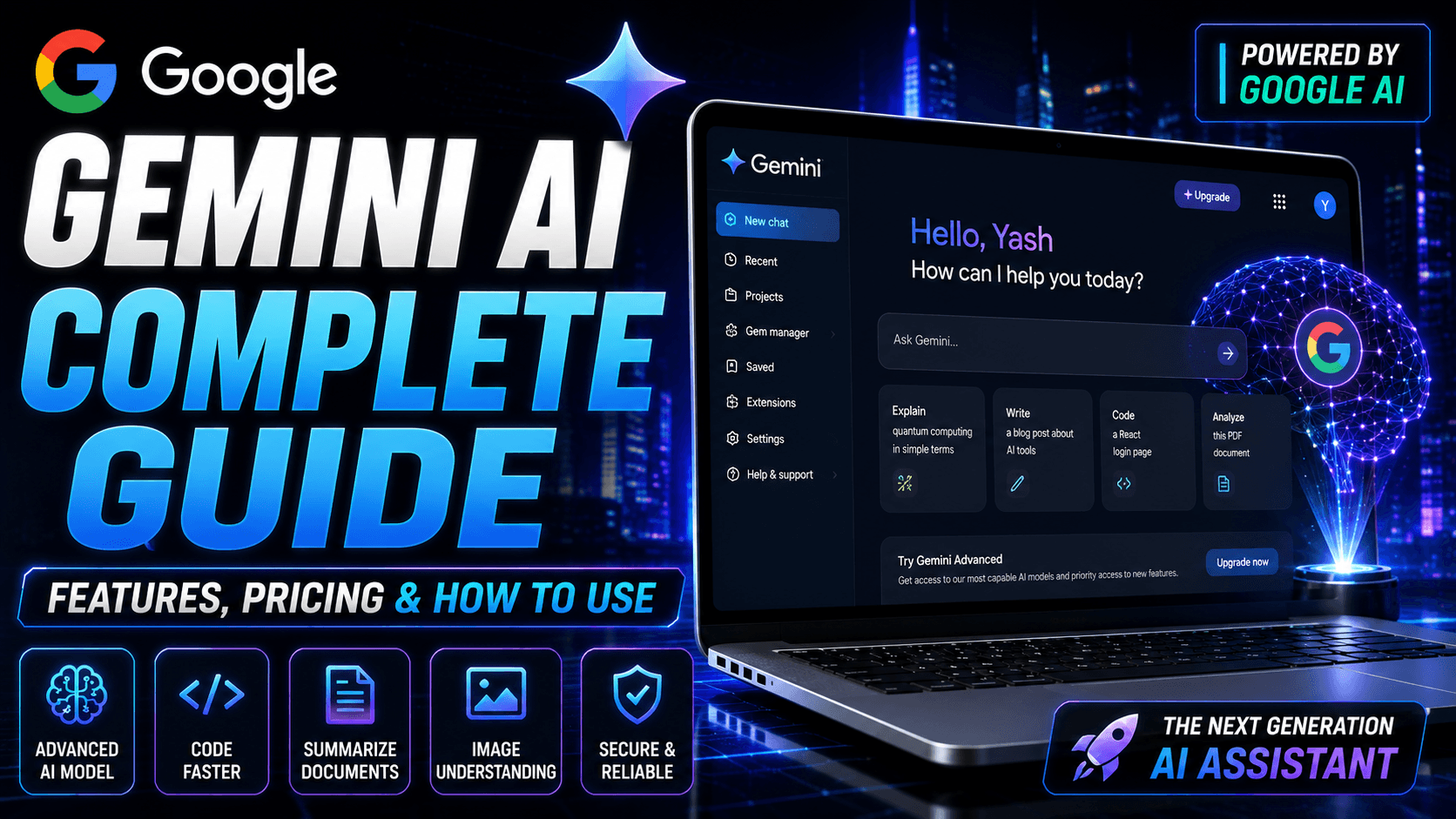
Google Gemini AI Complete Guide (2026): Features, Pricing, How to Use & More
Artificial Intelligence has rapidly become a part of everyday life, helping people write content, generate code, analyze documents, answer questions, and improve productivity.
Among the leading AI assistants available today is Google Gemini AI, Google's advanced family of AI models designed to power intelligent conversations and assist with a wide variety of tasks.
Whether you're a student, software developer, content creator, marketer, or business owner, Gemini AI offers tools that can help you work more efficiently.
This guide explains everything you need to know about Google Gemini AI, including its features, supported models, pricing, use cases, strengths, limitations, and how it compares with other AI assistants.
What is Google Gemini AI?
Google Gemini AI is Google's multimodal artificial intelligence platform capable of understanding and generating text, code, images, and other forms of information.
It is designed to help users perform tasks such as:
- Writing articles
- Coding applications
- Summarizing documents
- Researching information
- Brainstorming ideas
- Learning new topics
- Planning projects
- Solving programming problems
- Creating marketing content
- Improving productivity
Gemini is integrated across several Google products and services, making it accessible to many users.
Key Features of Google Gemini AI
Google Gemini AI includes a broad set of capabilities that support personal, educational, and professional workflows.
Some of the most useful features include:
- AI-powered conversations
- Code generation
- Code debugging
- Document summarization
- Image understanding
- Research assistance
- Brainstorming ideas
- Email drafting
- Blog writing
- Translation support
- Business planning
- Learning assistance
- Project organization
- Mathematical explanations
- Productivity workflows
Multimodal Understanding
One of Gemini AI's standout capabilities is multimodal understanding.
Depending on the model and available features, Gemini can work with different types of content, including:
- Text
- Images
- Documents
- Code
- Charts
- Tables
This allows users to ask questions about uploaded content, summarize information, and receive contextual explanations.
Coding with Gemini AI
Developers can use Gemini AI for many software development tasks.
Examples include:
- HTML
- CSS
- JavaScript
- TypeScript
- React
- Next.js
- Node.js
- Python
- Java
- C++
- SQL
- APIs
- JSON
- Debugging
- Code optimization
- Algorithm explanations
While Gemini can accelerate development, generated code should always be tested and reviewed before deployment.
Document Analysis
Gemini AI can assist with document-related tasks such as:
- Summarizing reports
- Explaining PDFs
- Extracting important points
- Rewriting content
- Creating study notes
- Organizing information
For important legal, financial, or medical documents, always review the original material and seek professional advice when appropriate.
Image Understanding
Gemini AI can help analyze images by describing visible content, explaining diagrams, identifying objects, and answering questions based on uploaded visuals.
Its effectiveness depends on the quality of the image and the capabilities available in your version of Gemini.
Google Workspace Integration
Depending on your subscription and account type, Gemini may integrate with various Google Workspace applications to assist with productivity tasks such as writing, organizing information, and generating ideas.
Available integrations can change over time and may vary by region or plan.
Gemini Advanced
Google also offers premium capabilities through Gemini Advanced.
These plans may provide access to additional models, higher usage limits, and advanced features for users with more demanding workflows.
Always refer to Google's official pricing information for the latest plan details.
How to Use Google Gemini AI
Getting started is straightforward.
- Sign in with a Google account.
- Open Gemini AI.
- Start a new conversation.
- Type your question or prompt.
- Review the generated response.
- Ask follow-up questions if needed.
- Refine your prompt for more detailed answers.
The quality of the response often improves when prompts include clear context and specific goals.
Best Uses for Gemini AI
Google Gemini AI can be valuable for a wide variety of tasks.
Students
- Homework assistance
- Study notes
- Research
- Exam preparation
- Concept explanations
Developers
- Programming help
- Debugging
- API development
- Code explanations
- Learning frameworks
Content Creators
- Blog outlines
- Article drafts
- YouTube scripts
- Social media captions
- SEO brainstorming
Businesses
- Marketing ideas
- Product descriptions
- Internal documentation
- Business planning
- Customer communication drafts
Advantages of Google Gemini AI
Some of the major benefits include:
- Clean interface
- Fast responses
- Strong coding assistance
- Helpful writing support
- Image understanding
- Document analysis
- Productivity-focused features
- Broad Google ecosystem integration
- Suitable for beginners and professionals
Limitations
Like any AI system, Gemini AI has limitations.
Some responses may contain inaccuracies or omit important context.
Availability of features can vary depending on your account, subscription, location, and the specific model in use.
Generated content should always be reviewed before relying on it for important decisions.
Google Gemini AI vs ChatGPT
Both Google Gemini AI and ChatGPT are powerful AI assistants with overlapping capabilities.
Gemini is closely connected to Google's ecosystem and offers strong multimodal features, while ChatGPT is widely used for conversational assistance, writing, coding, brainstorming, and many other workflows.
Rather than asking which is universally "better," consider which platform best fits your daily tasks, preferred tools, and workflow.
Many professionals choose to use both depending on the situation.
Pricing
Google Gemini AI offers free access to certain capabilities, while additional features may require a paid subscription.
Pricing, plans, model availability, and feature access may change over time, so check Google's official resources for the latest information.
Frequently Asked Questions
Is Google Gemini AI free?
Google provides free access to some Gemini features, while premium capabilities may require a subscription.
Can Gemini AI write code?
Yes. Gemini AI can generate, explain, and debug code in many popular programming languages.
Can Gemini AI summarize PDFs?
Depending on the available features in your version, Gemini can assist with summarizing and analyzing documents.
Is Gemini AI good for students?
Yes. It can help explain concepts, summarize information, and support learning, but students should verify important information independently.
Can Gemini AI generate images?
Image-related capabilities depend on the specific model, features, and services available through Google's AI offerings.
Is Gemini AI safe to use?
Gemini AI is designed with safety measures, but users should avoid sharing confidential or sensitive information unless they understand how it will be handled.
Tips for Better Results
To get the most from Gemini AI:
- Write clear prompts.
- Provide relevant context.
- Break complex tasks into smaller questions.
- Review AI-generated content before using it.
- Verify important facts using trusted sources.
- Use follow-up prompts to refine responses.
Good prompting often leads to more accurate and useful answers.
Final Verdict
Google Gemini AI is a capable AI assistant for writing, coding, research, document analysis, and productivity. Its multimodal capabilities and integration with Google's ecosystem make it a useful option for many users.
Whether you're learning a new skill, building software, creating content, or researching a topic, Gemini AI can help streamline your workflow. As with any AI tool, combining its suggestions with your own judgment and reliable sources will produce the best results.
Disclaimer
This article is published for educational and informational purposes only. Google, Gemini, and related trademarks belong to Google LLC. Features, pricing, supported models, integrations, and availability may change over time. Always refer to Google's official documentation for the latest information.
Advertisement
Reserved ad space · Google AdSense

Comments (0)